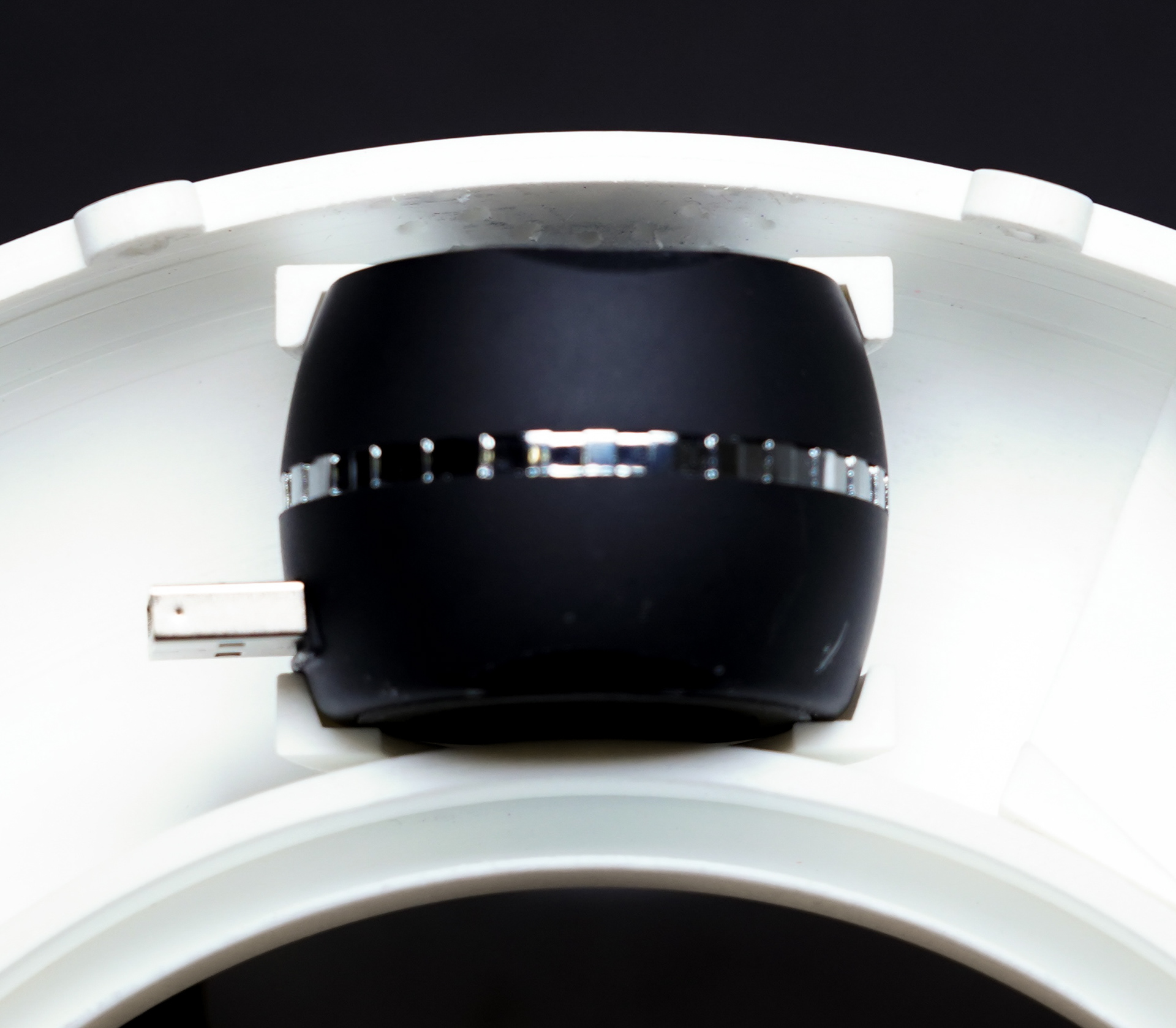
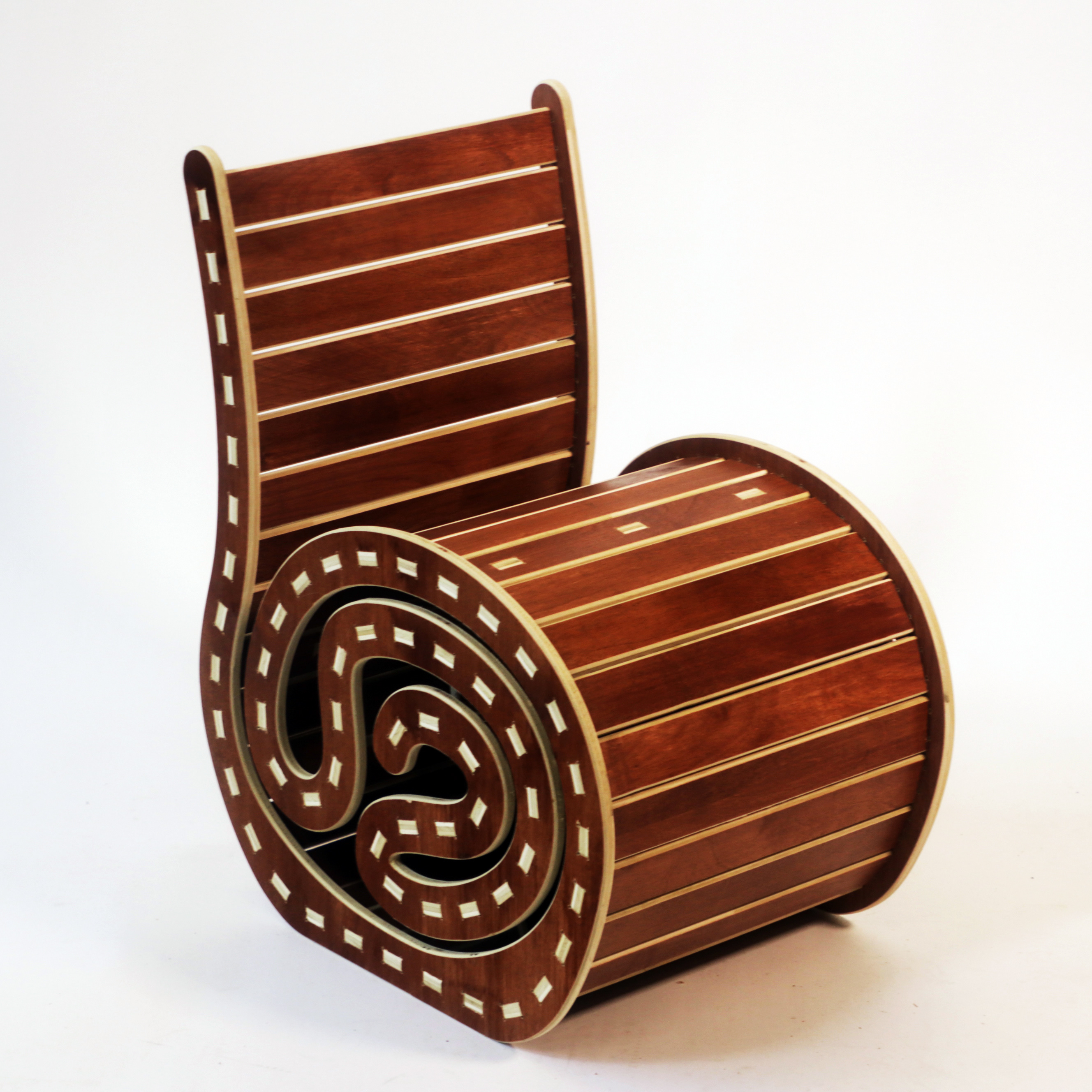
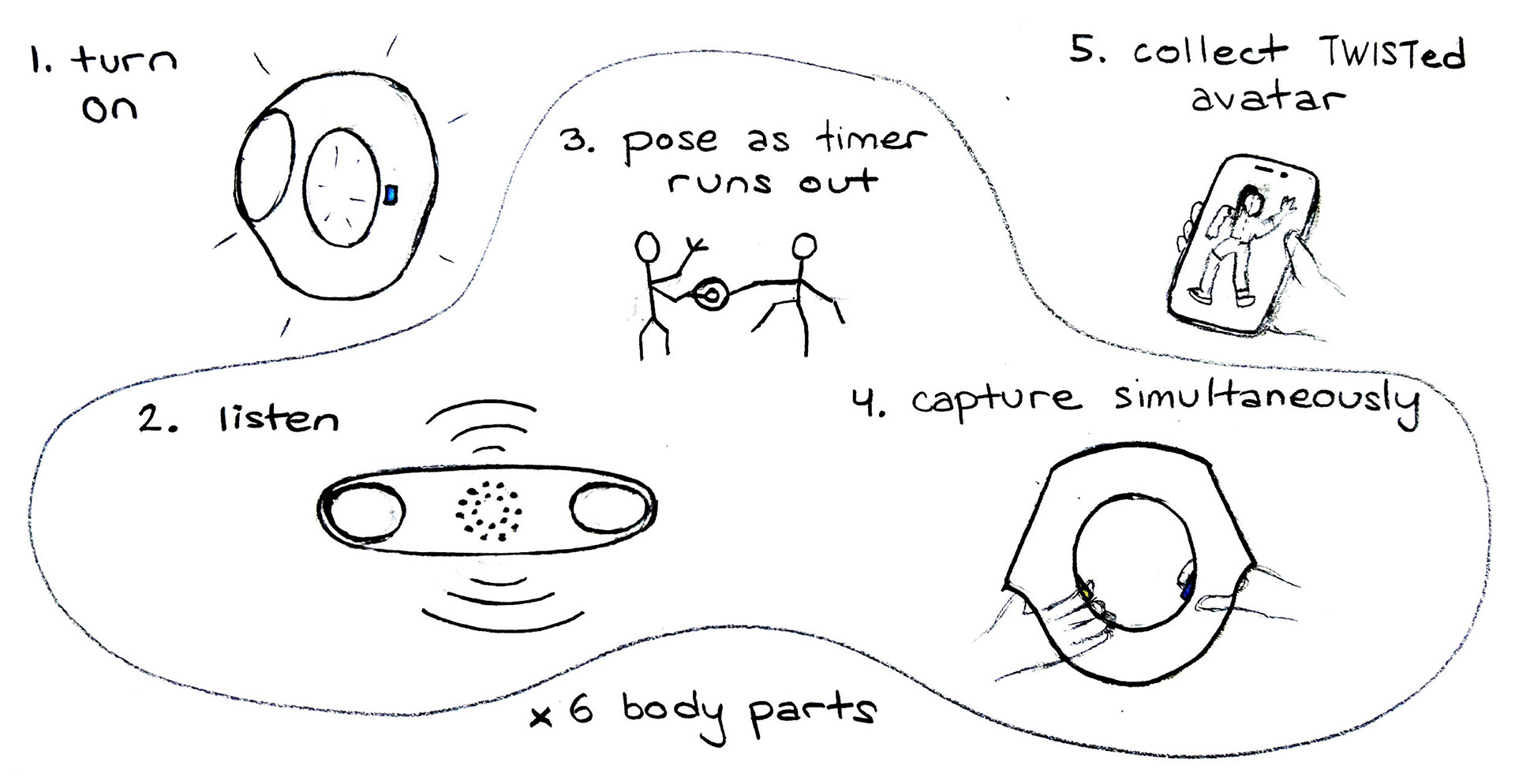
Twistorus is a two-person digital camera that encourages intimate collaboration between its subjects. Users must coordinate to simultaneously capture their various body parts. The resulting image is a digital combination of their bodies that mirrors the harmony of their teamwork.
I co-developed Cyan-o-Sketch with Milin Tunsiricharoengul (MIT '27) and Lan Hai (MIT '28). I designed the physical object while Milin integrated software. We collaborated on electronics, documentation, and fabrication.
It was developed in the second half of 4.031 Design Studio: Objects and Interaction, taught by Marcelo Coelho. Students were guided through the development of a digital camera from ideation to fabrication, with emphasis on intuitive user experience and cohesive design language.
user experience
Our main inspiration came from the gameplay experience of twister that fosters chaos, physical activity, collaboration and laughter.
mechanical design: form
We explored various forms that were conducive to a hand-held two player game.
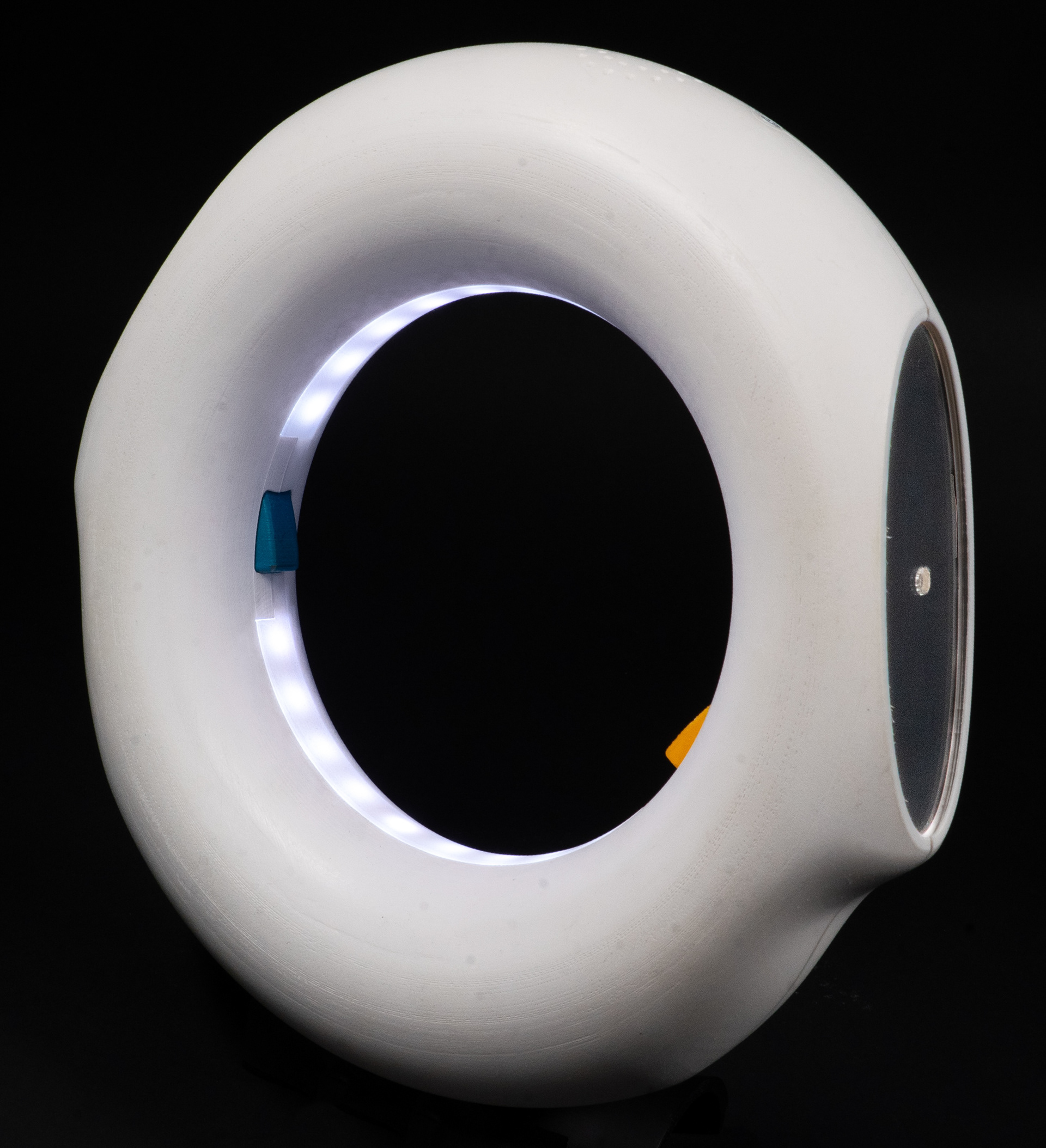
We ultimately chose a torus because of how its rotational and reflectional symmetry communicate equal collaboration and how its lack of rigid edges or sharp curves make it comfortable to hold.
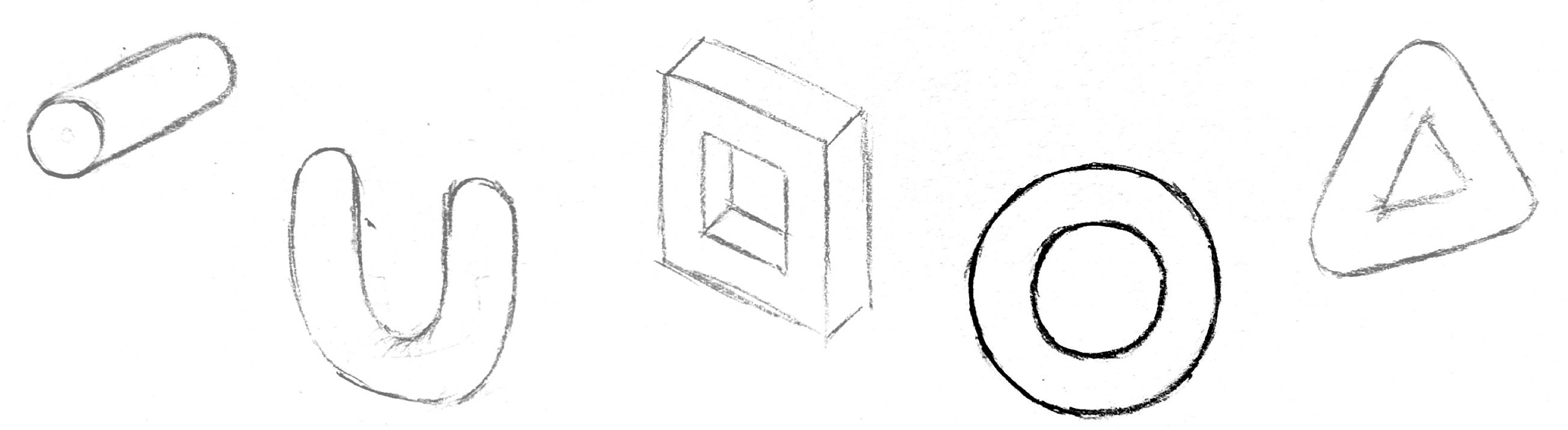
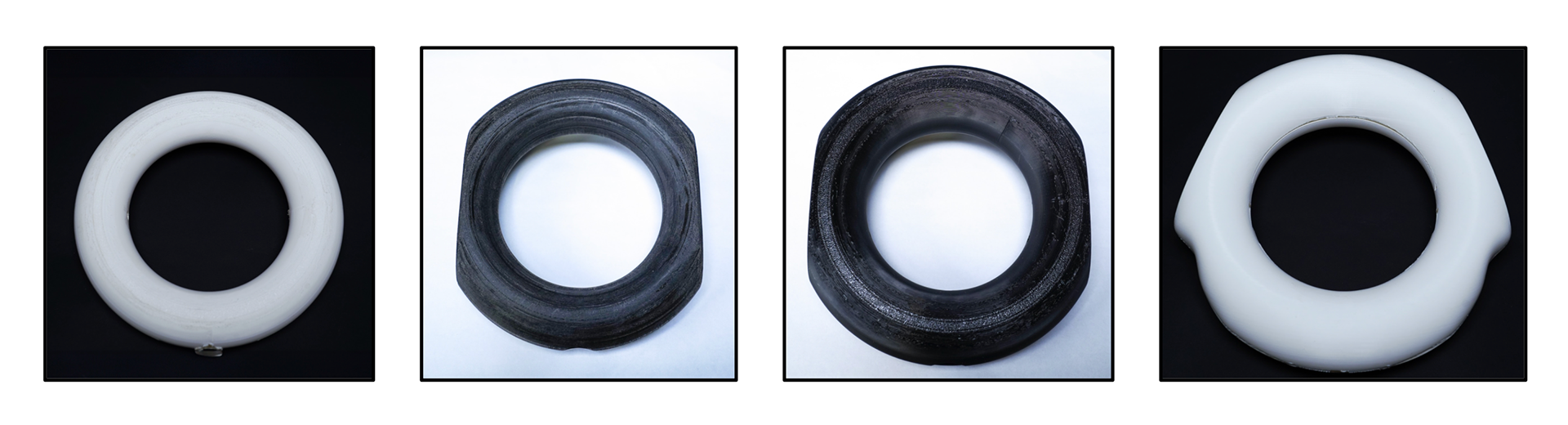
We experimented with subtle and obvious ways to communicate how a user should hold our object. I brainstormed multiple possible handles on Onshape, pictured below, and rapidly prototyped hollowed quarter sections of some of these forms with a Bambu 3D printer.
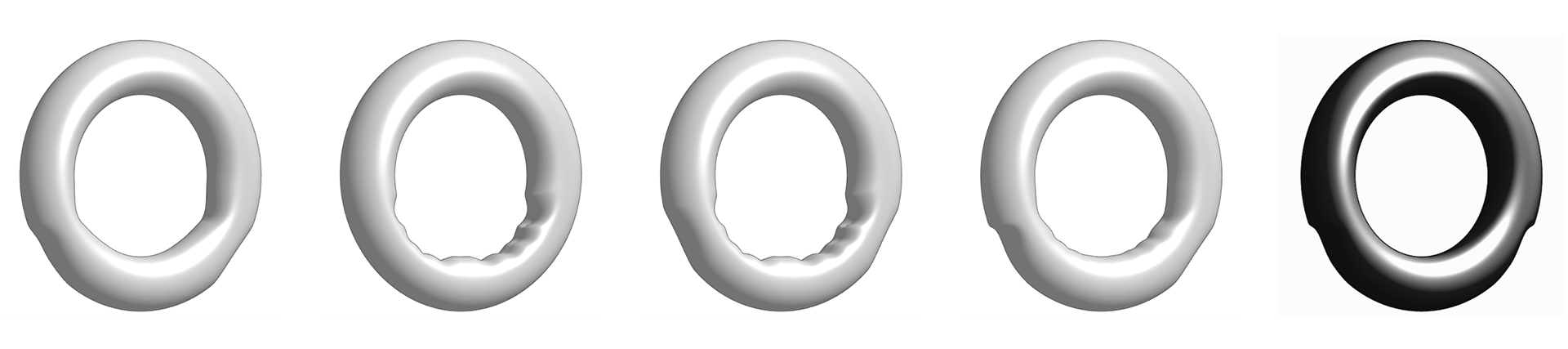
We conducted 5 user tests, observing our peers interacting with each prototype without prior knowledge about how they were "meant" to be held, and noting which interactions were most seamless. We also prompted users about the comparative comfort of each design. These tests helped us settle on the final form, on the right.
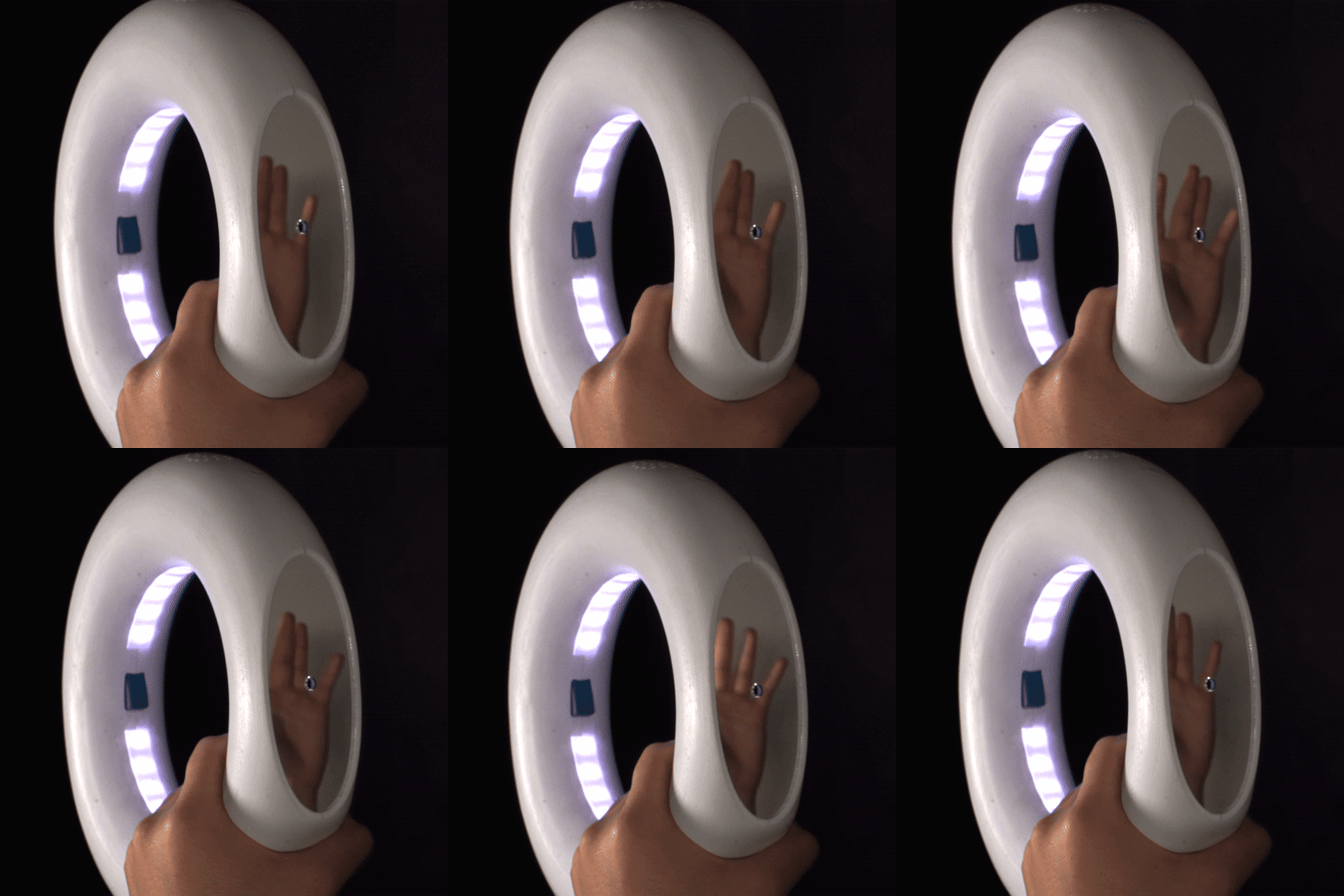
While developing the handles, we simultaneously considered how to visually communicate the photographic nature of Twistorus through its form (digital screen, viewfinder, enlarged lens, etc.)
We accomplished this by incorporating one flat mirrored face on either side of the object.
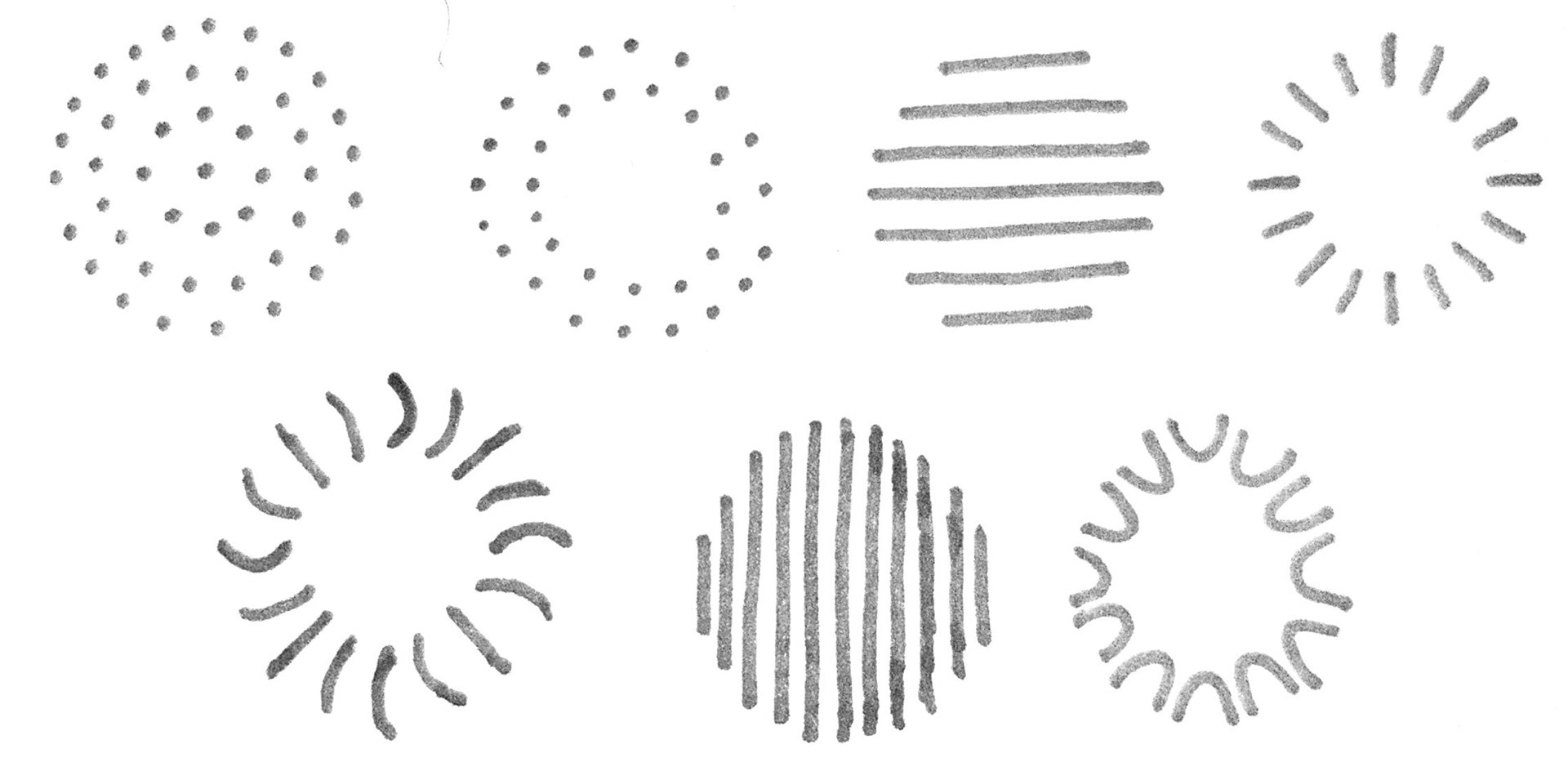
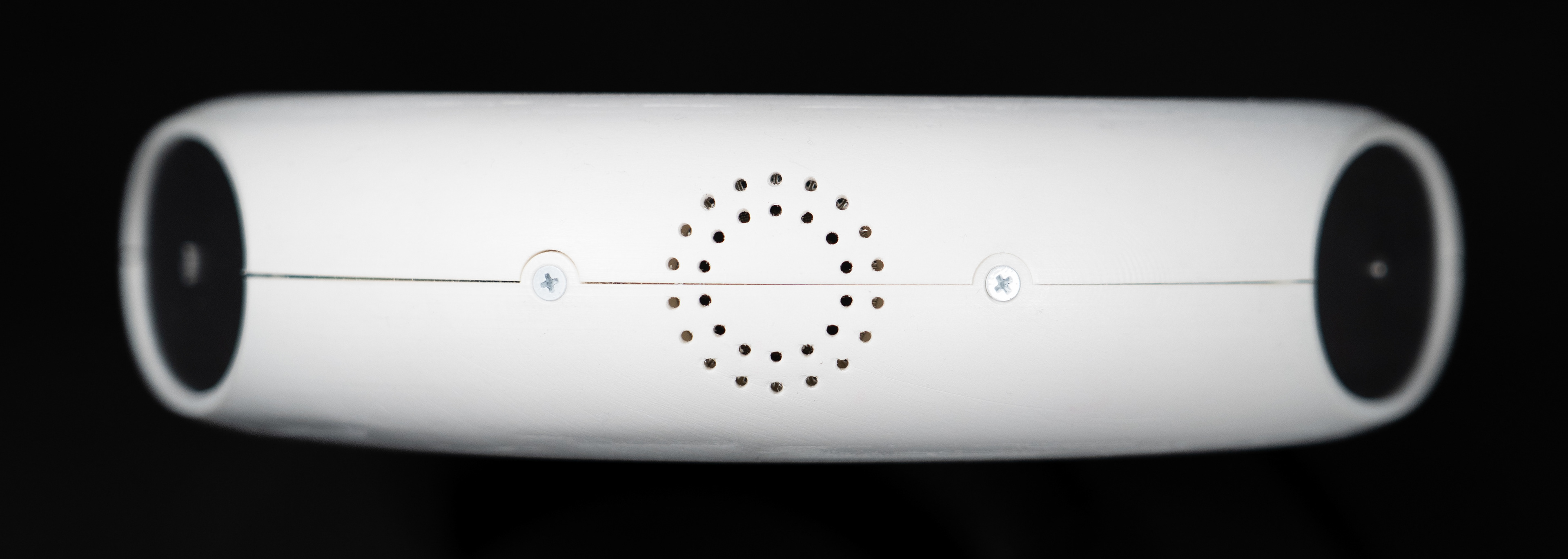
I explored different audio hole patterns through which the speaker could emanate. We decided on circular holes in a circular formation to reinforce the design language of the torus.
mechanical design: multimodal buttons
Each player operates one momentary push button. We considered haptic, audio, and visual feedback to create a synchronized, engaging user experience.
HAPTICS
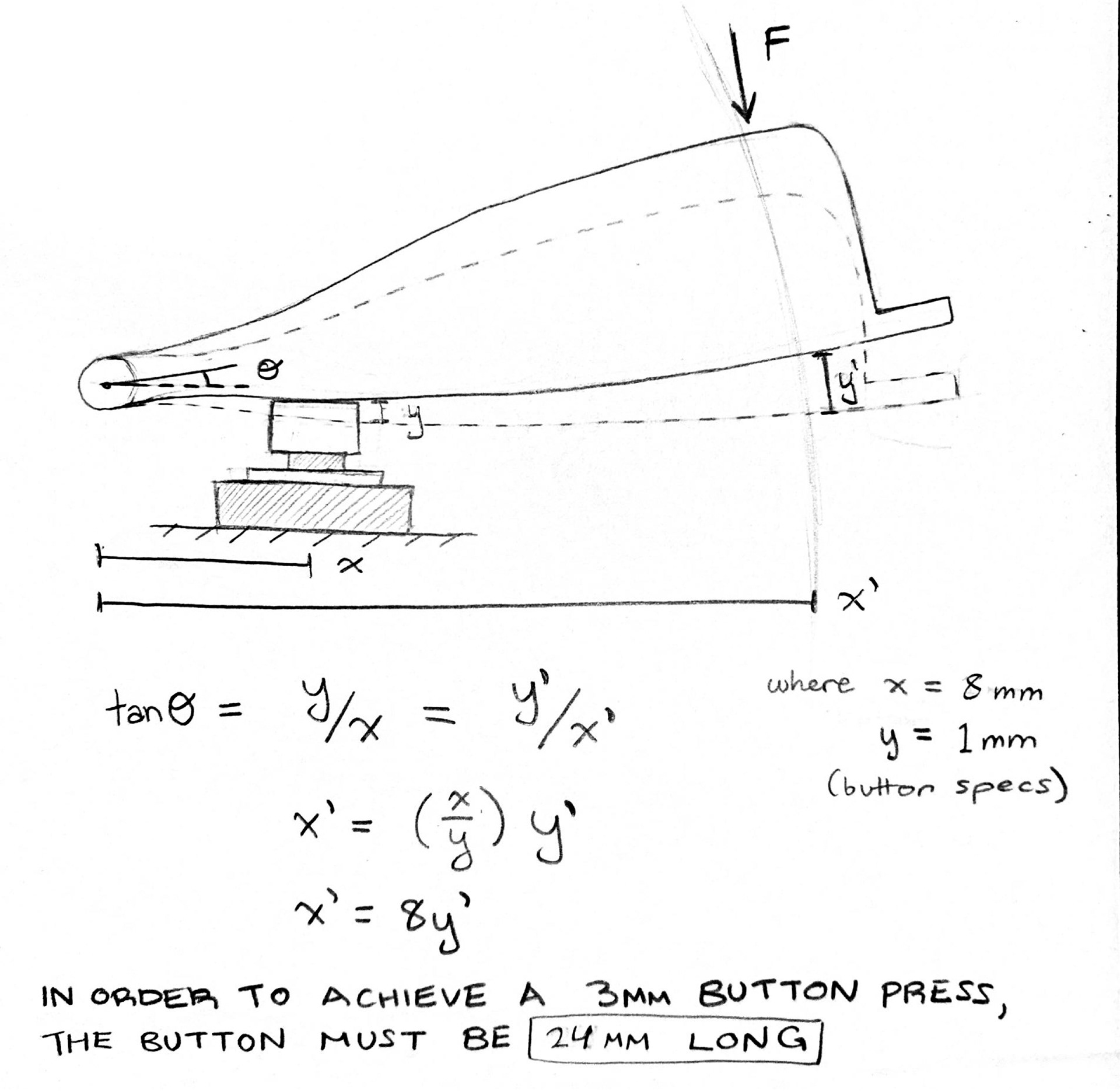
This rotational button design has an inherent tradeoff between pressing force and depth. While both are important, I prioritized depth to create distinct tactile feedback for the user. I calculated the button length required to achieve my desired depth of 3mm.
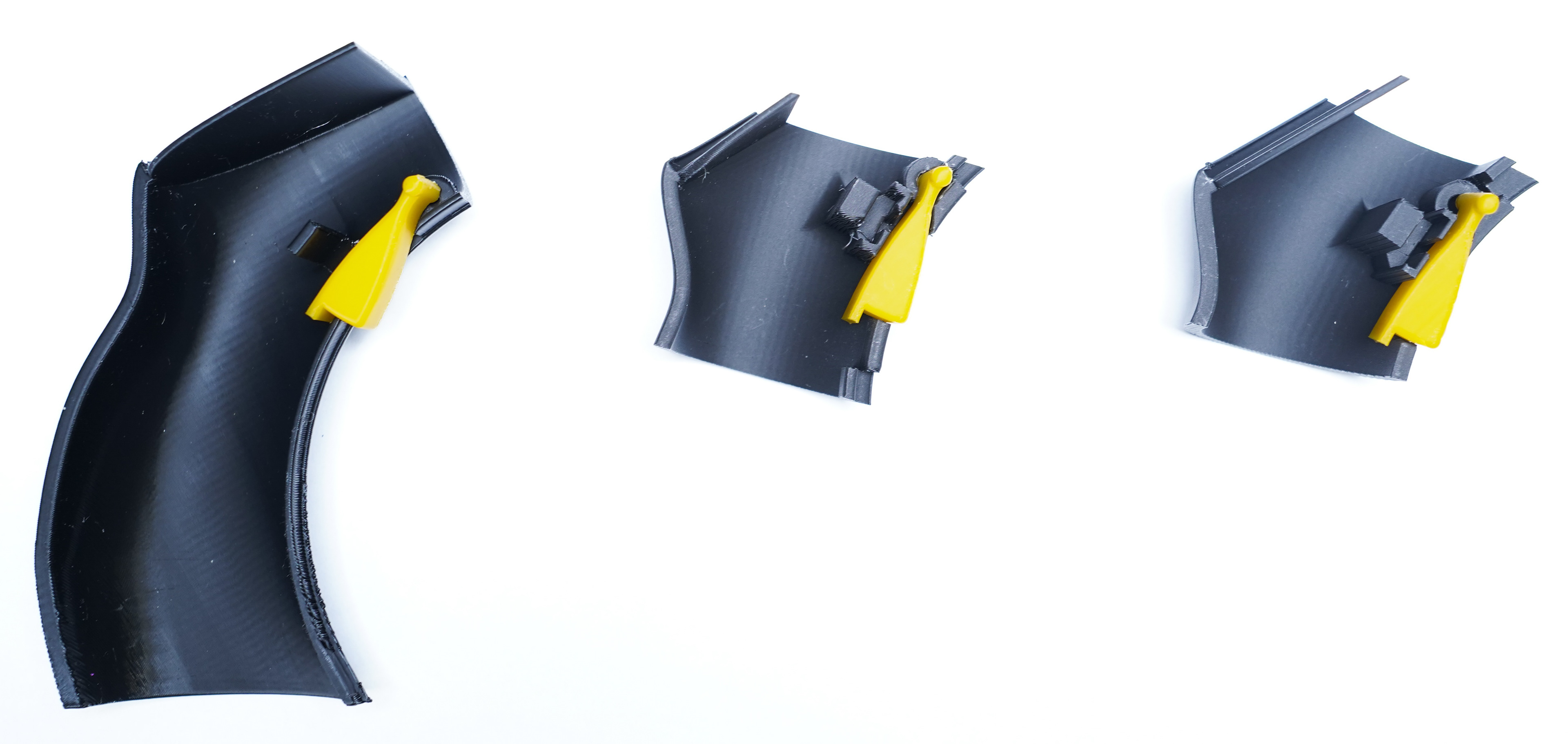
I rapidly prototyped multiple button iterations on a 3D printer to get haptic feedback from peers.
VISUALS
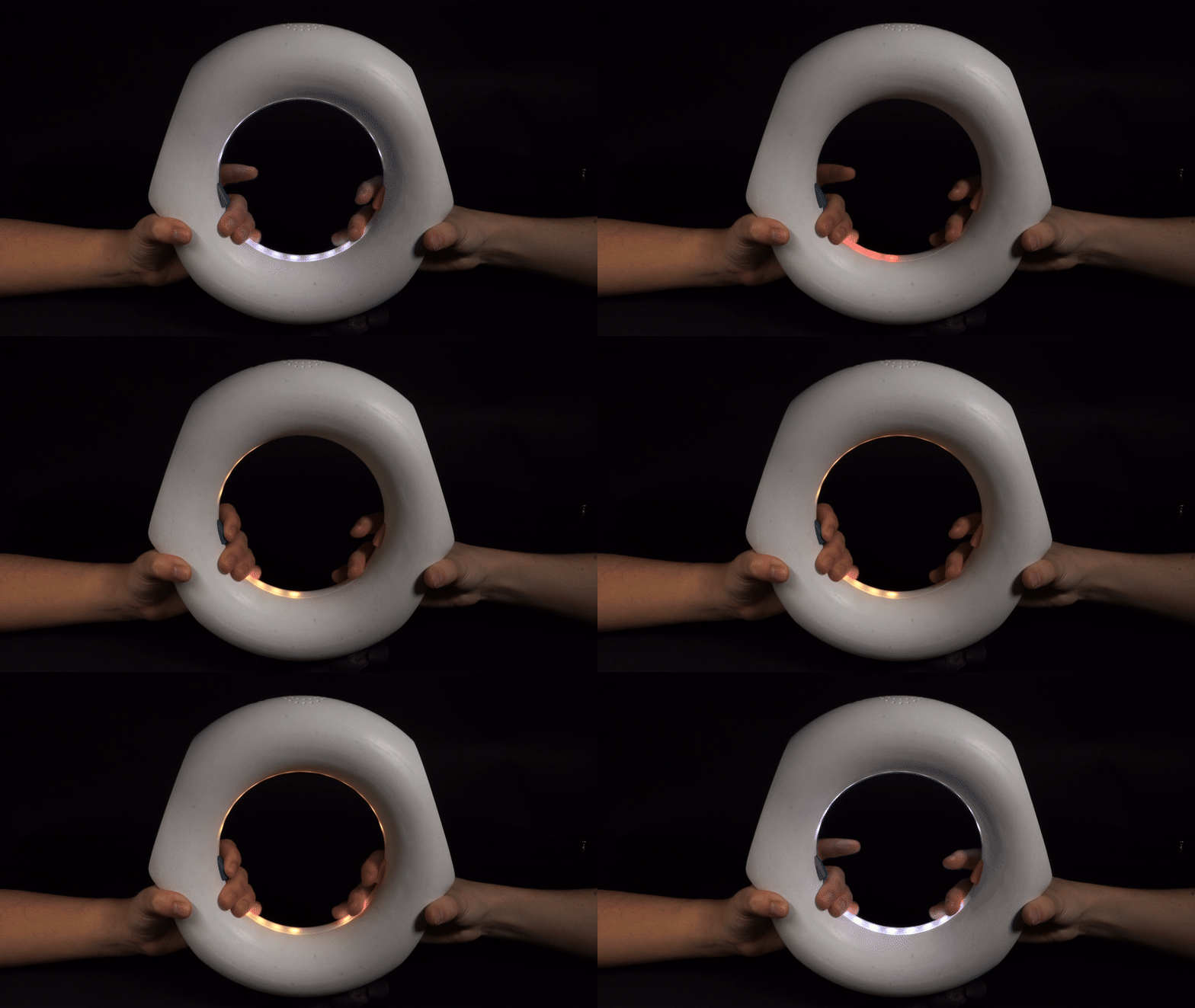
if LEDs are red, neither button is pressed
if LEDs are yellow, one button is pressed
if LEDs are green, a photo is captured (either both buttons are pressed or the timer has run out)
mechanical design: electronics housing
Milin designed our software and electronics system, and I collaborated with her to design internal housing to ensure that every component had a designated space and would interface properly upon assembly.
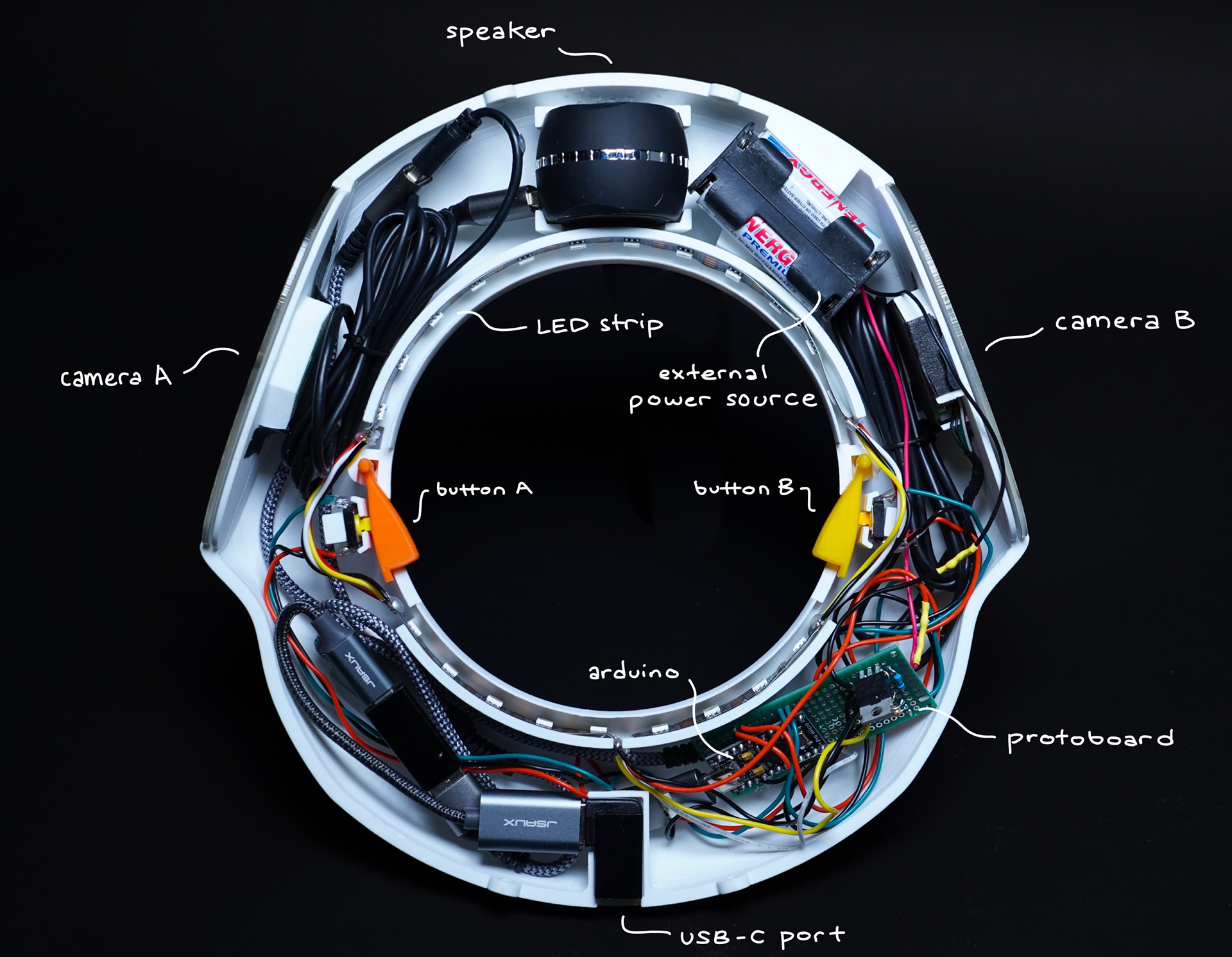
Each mechanical feature that interfaces with electronics or other components was developed with multiple iterations and rapid 3D printed tests.
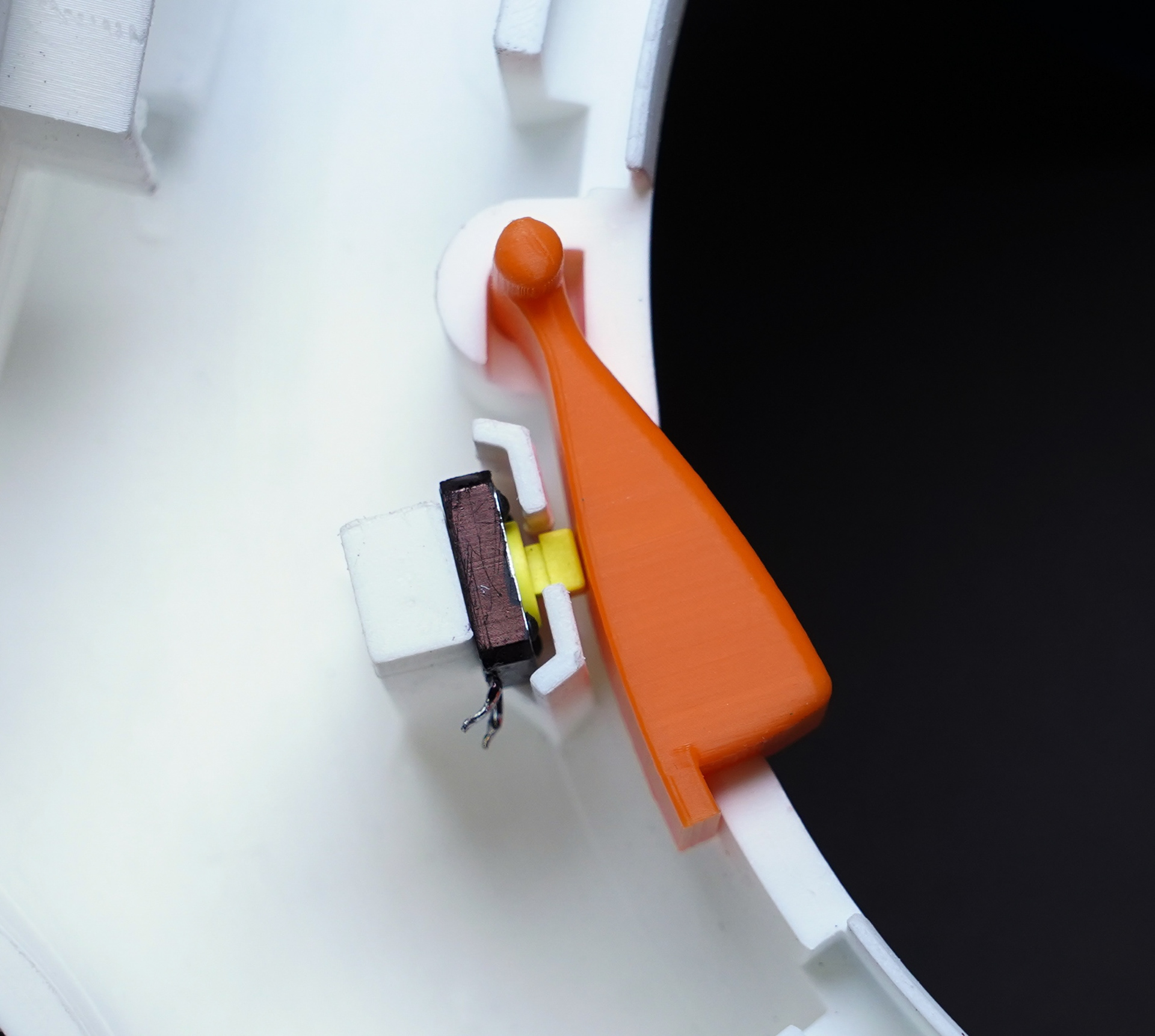
Button
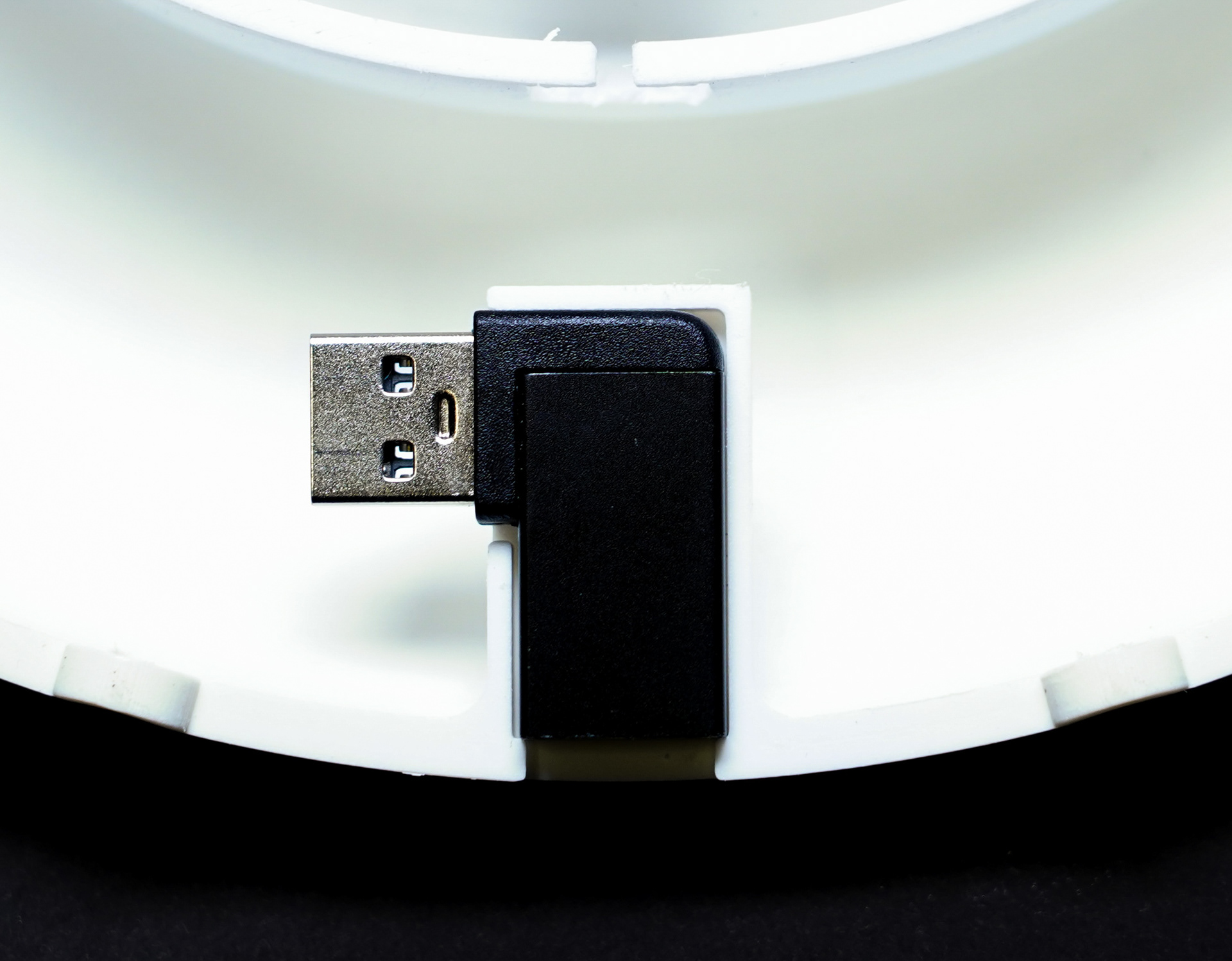
USB-C Port